Get all the power of Vimeo with our always improving mobile app

<p>Dina was a Product Manager at Vimeo. She enjoys road trips, reading, taking pictures of her friends, and spending time at the ocean when it’s cold out.</p>
Dina Solovey
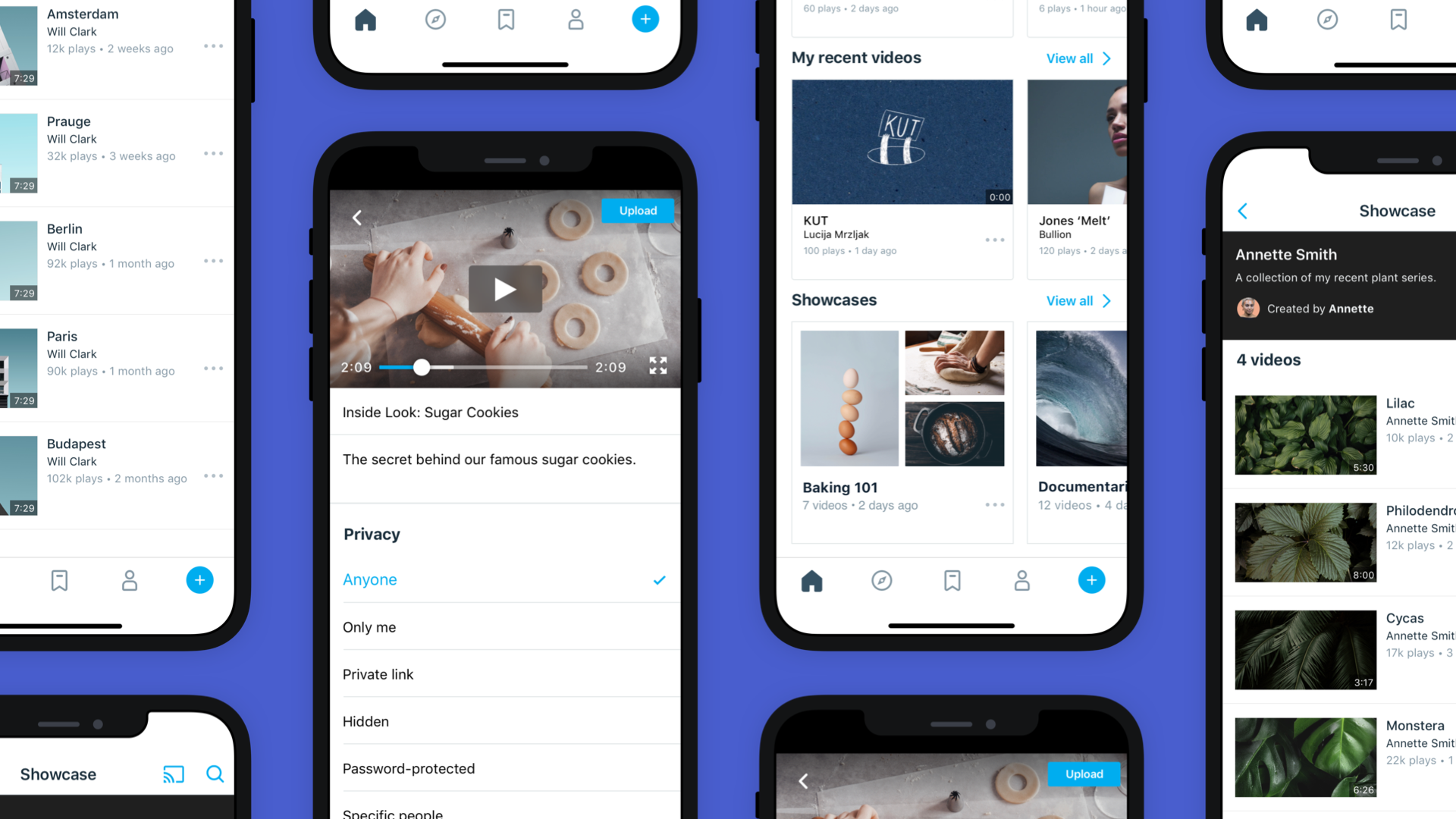
The Vimeo mobile app is an end-to-end tool that lets you record, adjust, tinker, trim, upload, host, and distribute your videos all from one place.

Did you know that the creative power of Vimeo is also available in your pocket? If you’ve got a smartphone and a Vimeo account, you can access your favorite features via our iOS and Android apps – no desktop needed. 

Whether you’re a yoga instructor broadcasting to legions of fans (how much is a legion?), or a freelance editor wrangling feedback on a rough cut, the drastically improved Vimeo mobile app is a one-stop-mobile-shop for all your video needs.

Over the years, we've been steadily upgrading the app to include features that were previously only available on desktop. Here’s the latest on your mobile experience:

On both iOS and Android: 

On iOS: 

Don't forget: if you already use Vimeo’s video workflow tools, you can seamlessly move between desktop and mobile. 

Download (Apple) | Download (Android)

Originally published November 15, 2019.

More from the Vimeo blog

Vimeo podcast streamer recording in his studio

Apps for podcasts: The best tools for recording and listening

Vimeo video teleprompter built into the browser

Best teleprompter apps for creating professional videos on a budget

Vimeo's Apple TV app on a TV screen

What’s new at Vimeo in July: Apple TV app returns, improved mobile viewing, and more

Inspiration lives here

Vimeo Streaming: Launch, monetize, and grow your next-gen streaming business

The benefits of creating mobile and TV apps, no coding required

Creating an Apple TV app shouldn't require any coding. Learn to develop an app on Apple TV in just a few simple steps.

How to Create an Apple TV App (No coding required)

Thinking about creating a TV app for Android? We have the simplest solutions for any budget to get started. Learn how.

How to create a TV app for Android (No coding required)