Your internet upload speed for streaming needs to be faster than the bitrate of your live video, including enough extra streaming bandwidth to keep the broadcast stable. The exact speed you need — measured in megabits per second (Mbps) — depends on the resolution, frame rate, streaming platform, and reliability of your internet connection.
Whether you’re learning how to live stream a company town hall or a marathon gaming session, this guide will help you determine your optimal upload speed for broadcasting a live stream to viewers.
What’s a good upload speed for streaming?
Appropriate upload speed gives your live stream enough bandwidth to maintain its target bitrate — how much video data the stream sends each second — with room to spare.
There isn't one Mbps number that works for every broadcast upload. Upload speed is important for streaming and should comfortably exceed your bitrate, with higher-quality streams generally sending more data. Your connection needs headroom for changes in network performance or other traffic using the same connection.
Take your webinars live with Vimeo →
Upload speed recommendations by resolution and frame rate
The upload speed you need increases as you send more video data. Your streaming resolution and frame rate affect how much data your stream needs, while the streaming bitrate determines how much of your available upload bandwidth the broadcast uses.
The Vimeo recommendations below provide a practical starting point for choosing an upload speed or Vimeo Enterprise plan based on your streaming resolution and frame rate.
| Resolution | Frame rate | Streaming bitrate | Recommended upload speed | Notes |
| 720p | 30fps | 2–2.5 Mbps | 4–10 Mbps | A practical option when upload bandwidth is limited. |
| 720p | 60fps | Up to 5 Mbps | 4.1–10 Mbps | Live streaming at 60fps is available for eligible Vimeo Enterprise accounts. |
| 1080p | 30fps | 4–5 Mbps | 10.1 Mbps or higher | More available bandwidth lets you use a higher bitrate while maintaining 1080p. |
| 1080p | 60fps | Up to 9 Mbps | 25.1 Mbps or higher | Live streaming at 60fps is available for eligible Vimeo Enterprise accounts. |
| 4K | Platform and setup dependent | Varies by configuration | 25–40 Mbps minimum | Vimeo 4K live streaming requires an eligible Vimeo Enterprise account with the 4K add-on and an external encoder using Real-Time Messaging Protocol (RTMP). |
What upload speed do you need for 1080p streaming?
For a 1080p stream at 30fps, Vimeo recommends a 4 Mbps streaming bitrate when your measured upload speed is between 10.1 and 25 Mbps. With more than 25 Mbps available, you can increase the bitrate to Vimeo’s recommended maximum of 5 Mbps for 1080p at 30fps.
Eligible Enterprise accounts can stream 1080p at 60fps with a bitrate up to 9 Mbps. Vimeo recommends having more than 25 Mbps of upload speed available for that configuration. The additional bandwidth gives the connection room to handle the stream without operating near its limit.
What upload speed do you need for 4K streaming?
For 4K live streaming, your internet speed needs enough upload capacity to support the much higher bitrate. Vimeo recommends a minimum upload speed of 25–40 Mbps for a stable 4K live stream. Unlike 720p or 1080p streaming, however, 4K availability depends on your Vimeo setup.
Vimeo currently supports 4K live streaming for eligible Enterprise accounts with the 4K add-on. The stream must use RTMP streaming with a compatible external encoder. Before planning a 4K broadcast, confirm that your account, live-streaming equipment, and available upload bandwidth support the higher-resolution workflow.
How bitrate affects the upload speed you need
Resolution and frame rate help determine how much data your live video needs to send, affecting the streaming bitrate. As bitrate increases, so does the upload bandwidth required to maintain the stream. A higher-resolution or higher-frame-rate broadcast will typically need a higher bitrate than a lower-quality stream.
Your available upload speed should be higher than the bitrate configured for the broadcast. That extra headroom gives your connection space to handle normal network fluctuations, shared traffic, background uploads, and connection overhead. Without enough capacity, a temporary drop in available bandwidth can lead to dropped frames or an unstable stream.
Say your team plans to broadcast a company town hall at a streaming bitrate of 5 Mbps, for example, and a speed test shows 20 Mbps of available upload bandwidth. The stream would use only part of that capacity, leaving 15 Mbps available to absorb fluctuations and other network activity. If the same connection provided only 6 Mbps of upload speed, there would be much less room for conditions to change during the event.
Explore live-streaming software tools →
How to test and improve your upload speed for streaming
Test your internet speed for live streaming before the day of your broadcast so you have time to address problems:
- Test the actual broadcast connection: Run a speed test for the network and location you’ll stream from, paying particular attention to the available upload speed.
- Test again during a rehearsal: Network conditions can change throughout the day, so repeat your testing during rehearsal and, when possible, around the same time of day as the scheduled broadcast.
- Use Ethernet when possible: A wired connection to your router is generally more consistent than Wi-Fi and can reduce the risk of interference during an important live event.
- Limit competing network activity: Pause large downloads, file uploads, cloud backups, and other high-bandwidth activity that could reduce the bandwidth available for your stream.
- Adjust stream settings if necessary: On connections that can’t consistently support your target bitrate, lowering the bitrate, resolution, or frame rate can help prevent dropped frames and other stability problems.
- Upgrade if your current setup still falls short: If these changes aren’t enough, look at your router and network setup before considering an internet plan with more upload capacity.
Stream reliably with Vimeo
Once your internet connection can reliably support your upload, Vimeo offers live streamers several ways to produce and manage a broadcast.
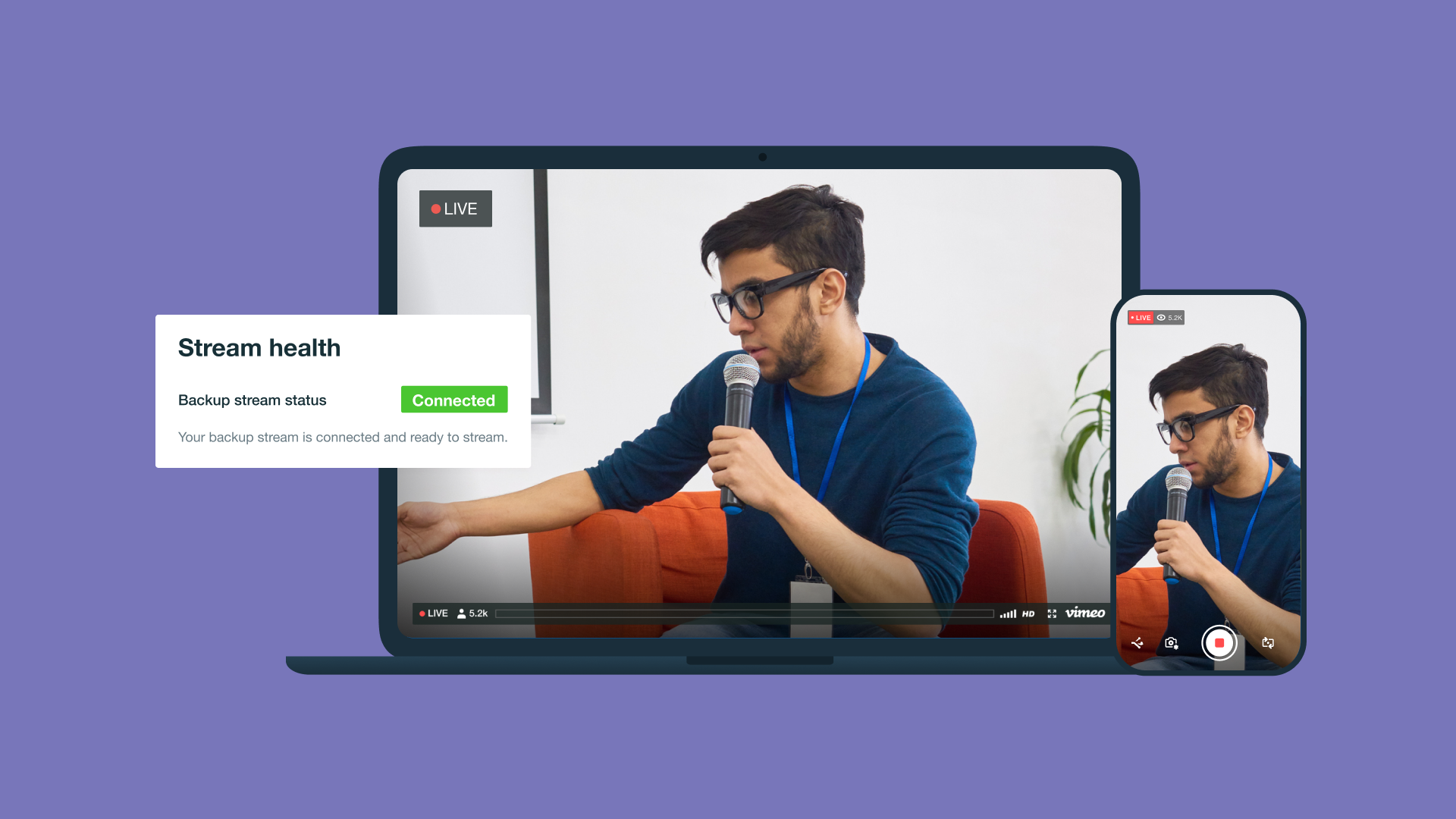
You can go live from Vimeo’s browser-based production studio or use live-streaming software and an external encoder with Real-Time Messaging Protocol Secure (RTMPS) or Secure Reliable Transport (SRT). Real-time stream health monitoring helps you spot connection or performance problems during the broadcast.
Vimeo supports branded live experiences and lets marketing or sales teams reuse recordings after an event. Product launches, company town halls, or training sessions can continue reaching viewers long after the live stream ends.
Bring your next live event to your audience with the tools to produce, manage, and share your broadcast in one place.
Start live streaming with Vimeo →
FAQ
What happens if your upload speed drops while streaming?
If your upload speed falls below what your stream needs, you may experience dropped frames, reduced video quality, or interruptions to the broadcast. A connection with enough extra bandwidth can help absorb temporary fluctuations without affecting the stream.
Should your upload speed be higher than your streaming bitrate?
Yes, your upload speed should be higher than your streaming bitrate so there is enough headroom for network fluctuations and other activity using the connection. Running a stream too close to your available upload capacity increases the risk of instability.
Does upload speed need to be the same for every streaming platform?
No, live-streaming platforms can have different bitrate limits and requirements for resolution and frame rate. Check the requirements for the platform you plan to use and make sure your available upload speed can comfortably support its recommended settings.